Compress a PDF
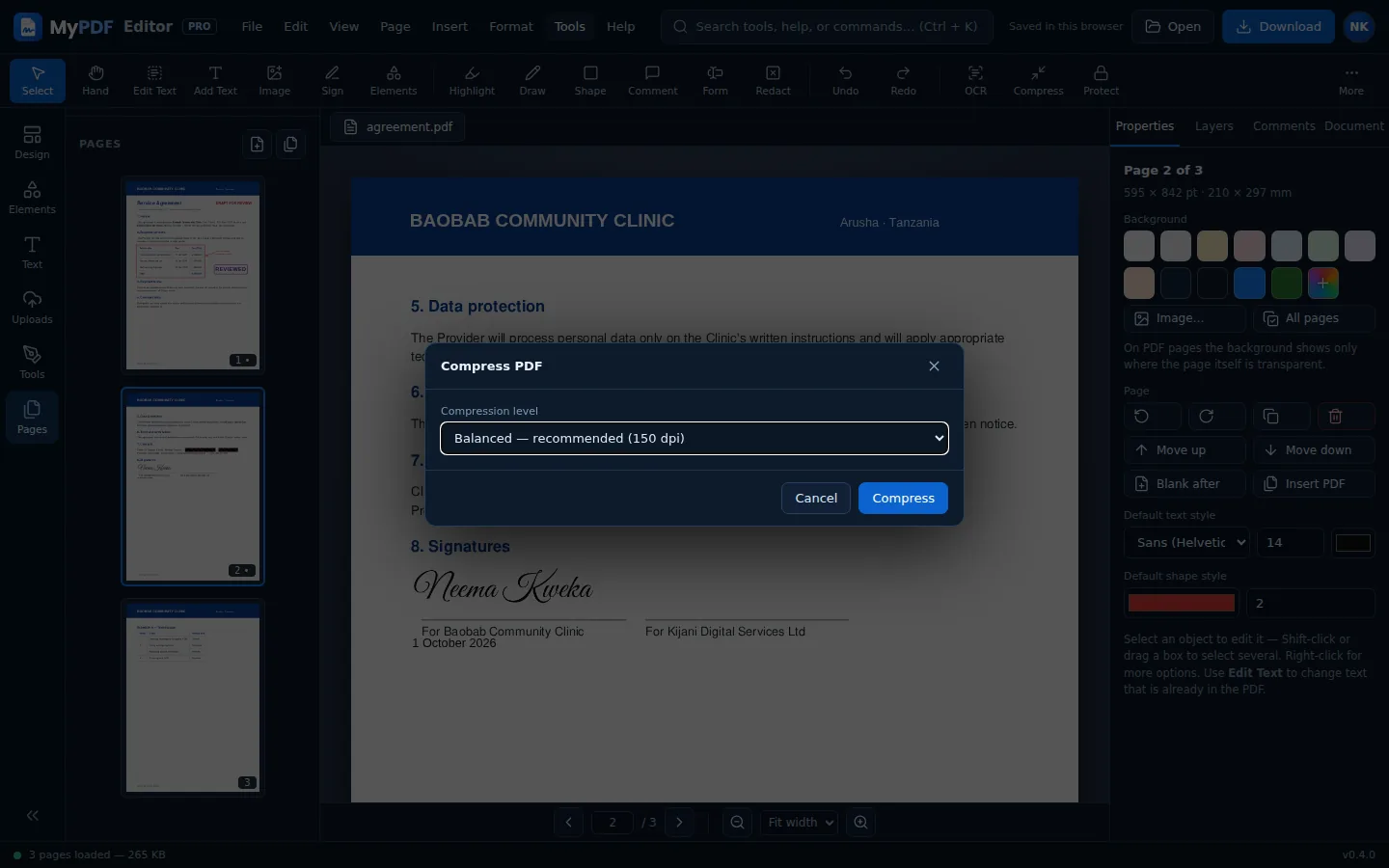
- Click Compress in the toolbar.
- Choose a level:
- Light: best quality, images kept at 200 dpi.
- Balanced (recommended): 150 dpi, fine on screen and for most printing.
- Strong: smallest file, 100 dpi. Good for email attachments and uploads with size limits.
- MyPDF shows the old and new sizes. Choose Download or Open in editor.
Scans and documents with many photos shrink the most. Text-only PDFs are usually small already. If compression can't make the file smaller, MyPDF keeps the original.
Add a watermark
Choose Watermark from Quick actions or the Tools menu. Set the text (for example CONFIDENTIAL, DRAFT or COPY), colour, opacity, size, angle, and which pages (leave blank for all). The watermark is drawn across the middle of each page.
For a single “Approved” or “Paid” mark in one place, use a stamp instead.
Flatten
Flatten merges comments, form fields and other annotations into the page itself, so they can't be edited or removed in other PDF readers. Do this last, just before sharing a final version.
Still stuck? Contact us and tell us what you were trying to do. We read every message.